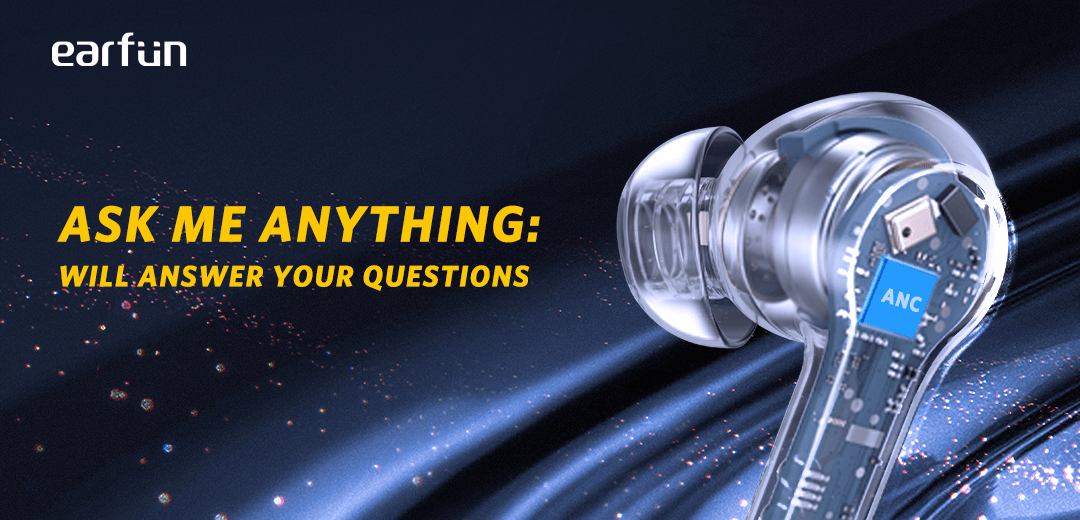
The fast blinking, as you know, is one of three things: Low battery, wonky connection or connectivity shenanigans. I love these 'buds, especially when I get them at a local auction for no more than $20 new and I think I've run into every problem there little fellahs can dish out.
This is my go-to process for fixing almost all problems. It's a pain in the ass but, it will get that music blasting back into your head in the time it takes to reboot your phone. Hopefully.
Clear any existence of your earbuds from all devices and reboot them. This includes the Earfun app.
Take your 'buds out of the case and close the case.
Return them back to the case and close the lid.
Open the lid and press down on the itty bitty button that sits flush in the middle front of the case, between the two 'buds.
Hold the button until it goes through there different phases of light and speed changes. The last phase is when each of the lights to the corresponding 'buds lights by itself the. They will both blink together at the normal blinking speed.
Close the case.
Open your device's Bluetooth and DO NOT tap the pop-up screen when your 'buds become ready to pair.
Add new device.
Open the case and take your 'buds out. You can stick 'em in your ear or hold them, whatever makes ya happy.
With your 'buds out, exit the "pair new device" screen and go back into it. This will recycle list and they should pop up toward the top of the list.
Tap on "Earfun Pro 4" tap twice on the next pop up to accept the permissions.
Reinstall the Earfun App.
A pop up screen from the Earbuds App will ask if you want to save. Tap yes and open the app. If all is gravy, it will show the battery percentage for each 'bud as well as the case, if you had that option selected.
If this doesn't work, I'm sorry, that really sucks but if it does, yay! Good luck.